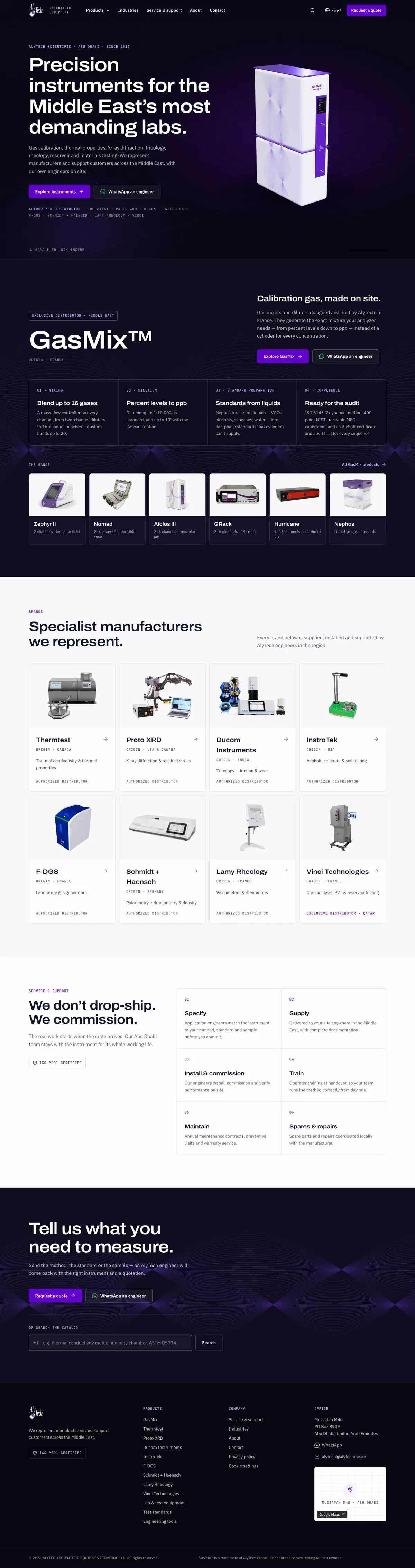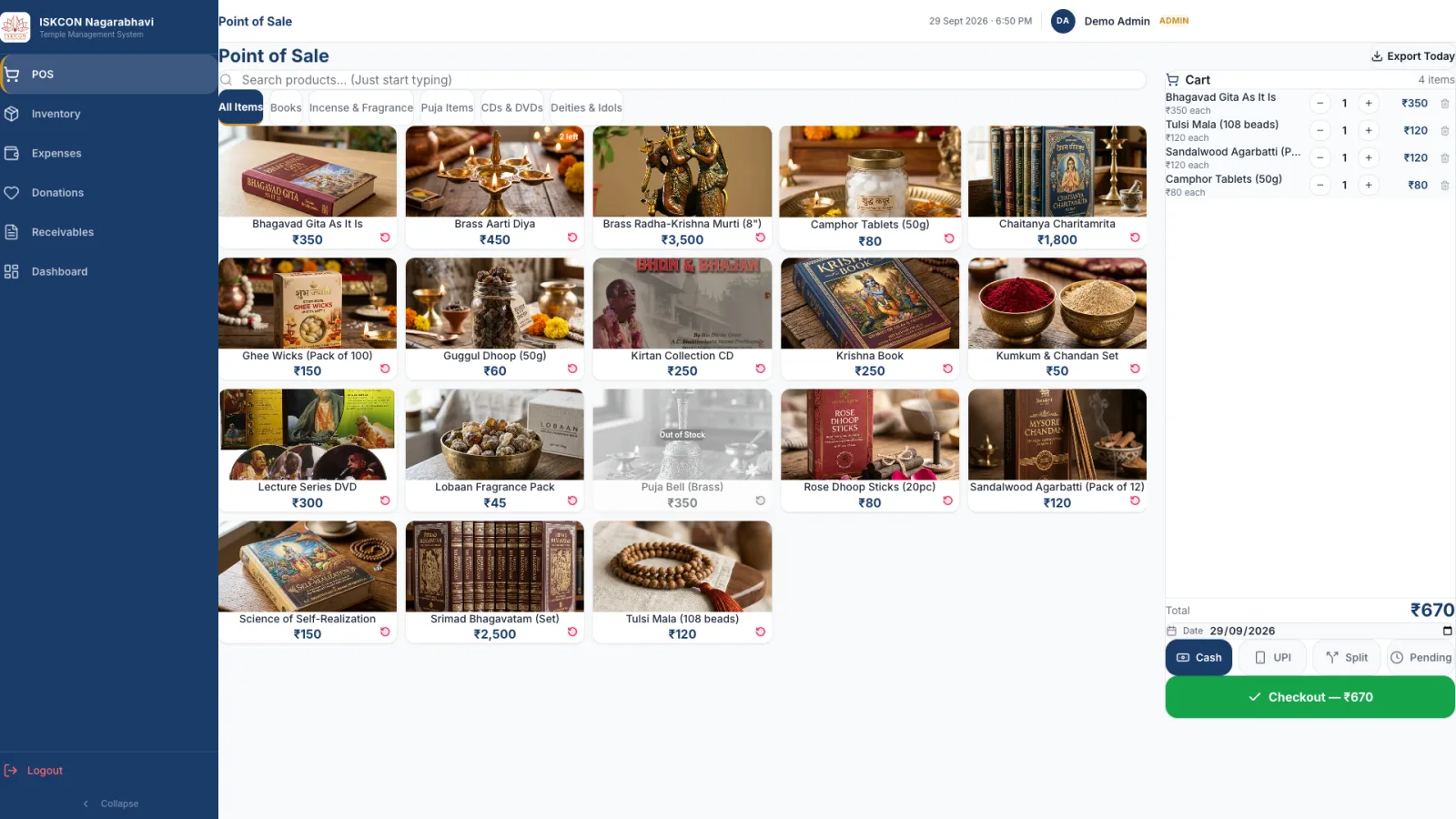
ISKCON Nagarabhavi
Temple · Religious trust
Temple management software for ISKCON Nagarabhavi: counter billing, stock, 80G donation receipts and daily accounts in one system.
In daily useInternal software · 2026
Custom Software
Spurt Studios is a software development company in Bengaluru (Bangalore) that builds custom business software: point-of-sale and billing systems, inventory, donation receipts and internal dashboards. We built a temple management system for ISKCON Nagarabhavi, and our own billing software, Spurt POS, is in use at Nekara Silks. The software follows how your counter and back office already work, not the other way round.
Proof
Temple · Religious trust
Temple management software for ISKCON Nagarabhavi: counter billing, stock, 80G donation receipts and daily accounts in one system.
Retail · Silk sarees
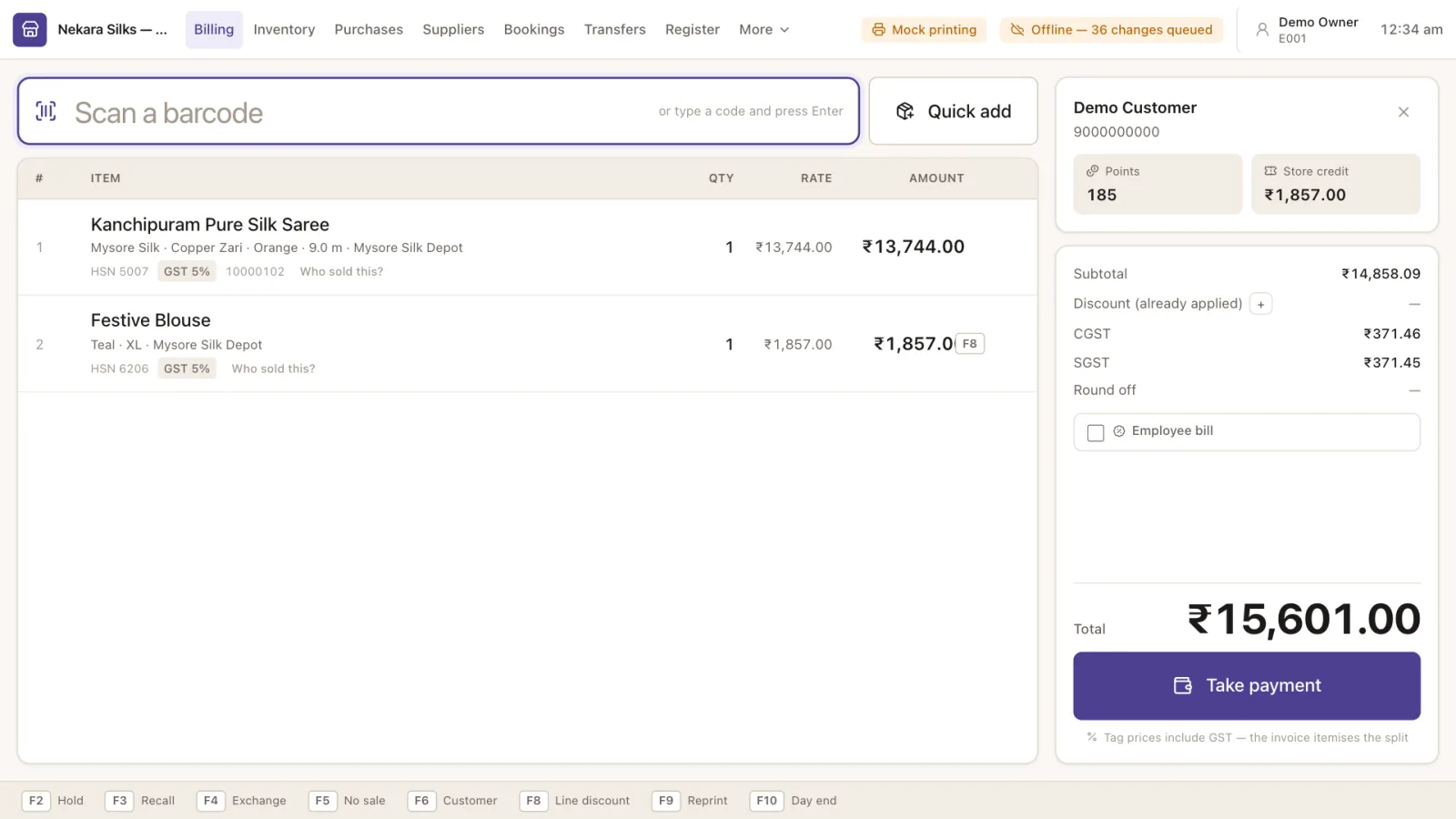
Spurt POS, our offline-first billing software, in daily use at a silk-saree showroom in Chandra Layout, Bengaluru — with the owner’s dashboard on the phone.
Scientific instruments · Laboratory equipment distribution
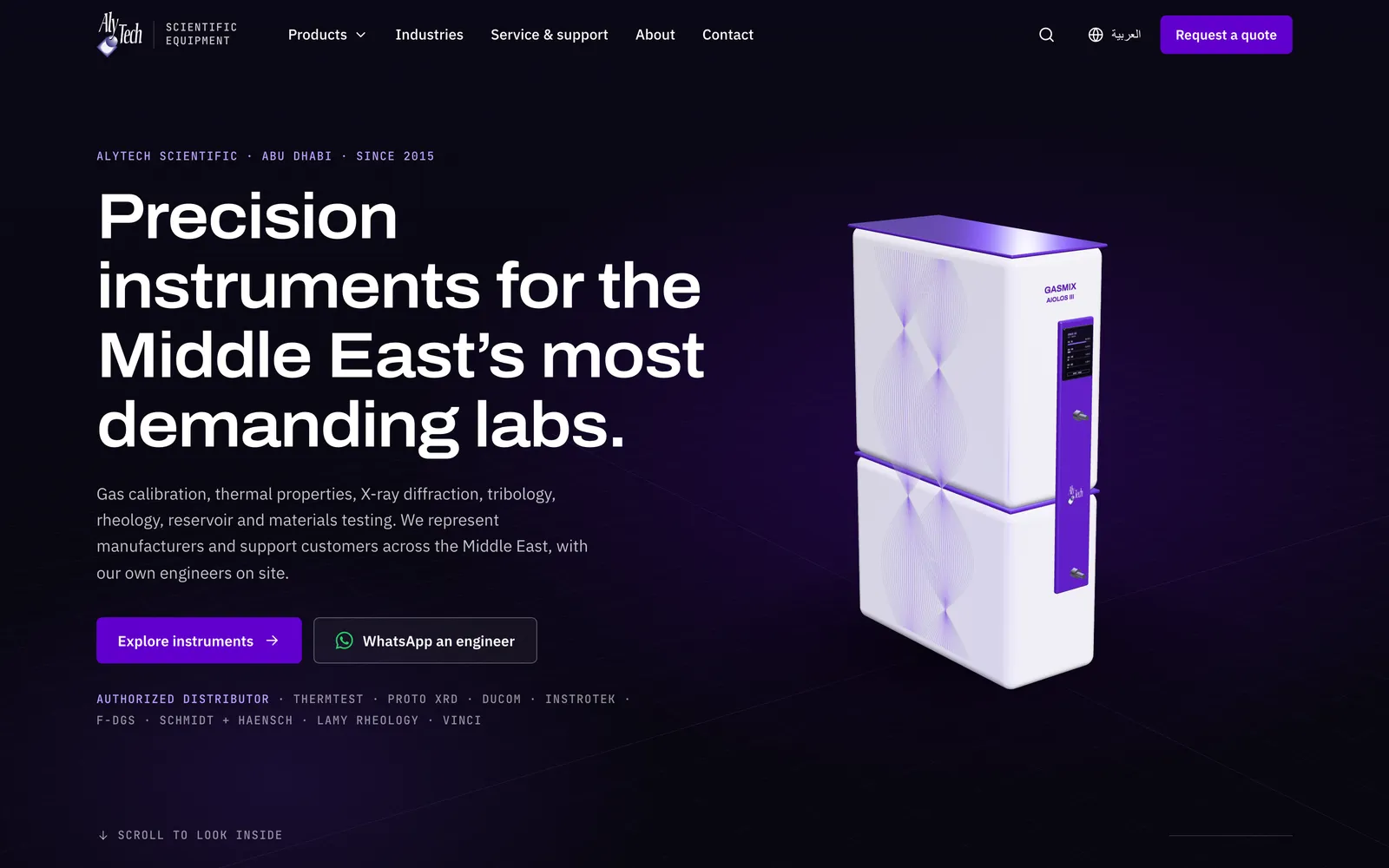
A bilingual instrument catalogue and enquiry system for a laboratory-equipment distributor in Abu Dhabi.
Our own product
Billing, stock, GST and WhatsApp bills in one screen — the billing software we build and sell, in use at a silk showroom in Chandra Layout.
How it runs
We watch how billing, stock and cash actually move through your business — on site if you’re in Bengaluru — before designing a single screen.
Every screen, role and report is written down and agreed, including the awkward cases: voids, returns, exchanges and partial payments.
We build in stages and test with your actual products, prices and receipts. Money maths such as tax splits and totals is covered by automated tests.
Till PCs, receipt printers and tag printers are set up, and the switch-over is rehearsed before the day you go live.
Businesses change after go-live. ISKCON Nagarabhavi’s system kept gaining features — bank-account crediting, receivables, exports — as their needs came up.
Why Spurt
A till shouldn’t stop when the internet does. Spurt POS, running at Nekara Silks, saves every bill on the counter PC first and syncs to the cloud, so billing carries on through an outage.
Voids need a reason and leave an audit trail, stock can’t go negative, and counter staff see only what their role allows.
80G donation receipts, GST breakup on invoices, amounts in words, Indian number formatting, and UPI alongside cash at the counter.
Spurt POS carries a large automated test suite covering billing, GST, returns and stock — because a wrong total is a real cost.
FAQ
It depends on the modules you need (billing, inventory, donations, expenses, reports), whether the till must work offline, the number of counters or branches, printer and hardware integrations, GST reporting, and migrating records from your current system. We quote after walking through your workflow, and the quote separates the build from ongoing support.
If an off-the-shelf app fits how you work, use it — it’s cheaper. Custom software makes sense when your business has rules those apps can’t handle: per-piece inventory for one-of-a-kind items, donation receipts alongside counter sales, approvals for voids, or reports your accountant needs in a specific shape.
It can, and for billing counters we recommend it. The till runs on a local database and keeps billing when the connection drops; sales sync to the cloud once it’s back, so the owner’s dashboard catches up. How much of the system has to work offline is decided during scoping.
Your business data is yours, stored in a database account set up for your business, with exports available. Ownership of the code is agreed in writing before we start: either a full source handover, or a licensed installation that includes our support and updates. We explain the trade-offs so you can choose.
Bills can carry the GST breakup your accountant needs, and sales data exports to CSV for filing. Where a business needs GST return files or e-invoicing, we scope that explicitly and verify the output with your accountant before go-live, because tax rules and portal formats change.
Usually a Windows PC or touchscreen at the counter, a thermal receipt printer and, for retail, a barcode tag printer. We check the equipment you already have first and only recommend new hardware where it’s needed. Setup and a trial run happen before go-live.
Start a project
Tell us what you’re building. One of the founders — not a sales team — comes back with questions, a plan and a fixed quote.